Every iOS device sports a Dock at the bottom of itsHome screen, but not every Dock is created equally. Case in point, anyone who has used an iPad before has likely taken notice of unique behavior that isn’t necessarily present on iPhones and iPod touches; more specifically, the iPad’s Dock shows recently-used apps in a separate section just right of theusually docked icons.
This is just one of several ways that the iPad makes multitasking easier, and with that in mind, iOS developerKiran Patilset out to port many of these features to other iOS devices. The end result? – ajailbreak tweakdubbedFloatingDockPlusis now available to download from Cydia.

The first thing you’ll observe after installing FloatingDockPlus, if you have a non-notched handset, is that it makes yourDocklook a lot more like the one that appears on notched handsets, such as the iPhone X, XR, XS, and XS Max. But initial impressions can be deceiving, as this particular Dock interface is actually inspired by iPads.
Don’t believe us? Try launching a few apps and closing them; you’ll notice new icons stacking up on the right side of the Dock, alienated from your standard Dock icons by a seemingly-unsuspecting separator line, as shown above.
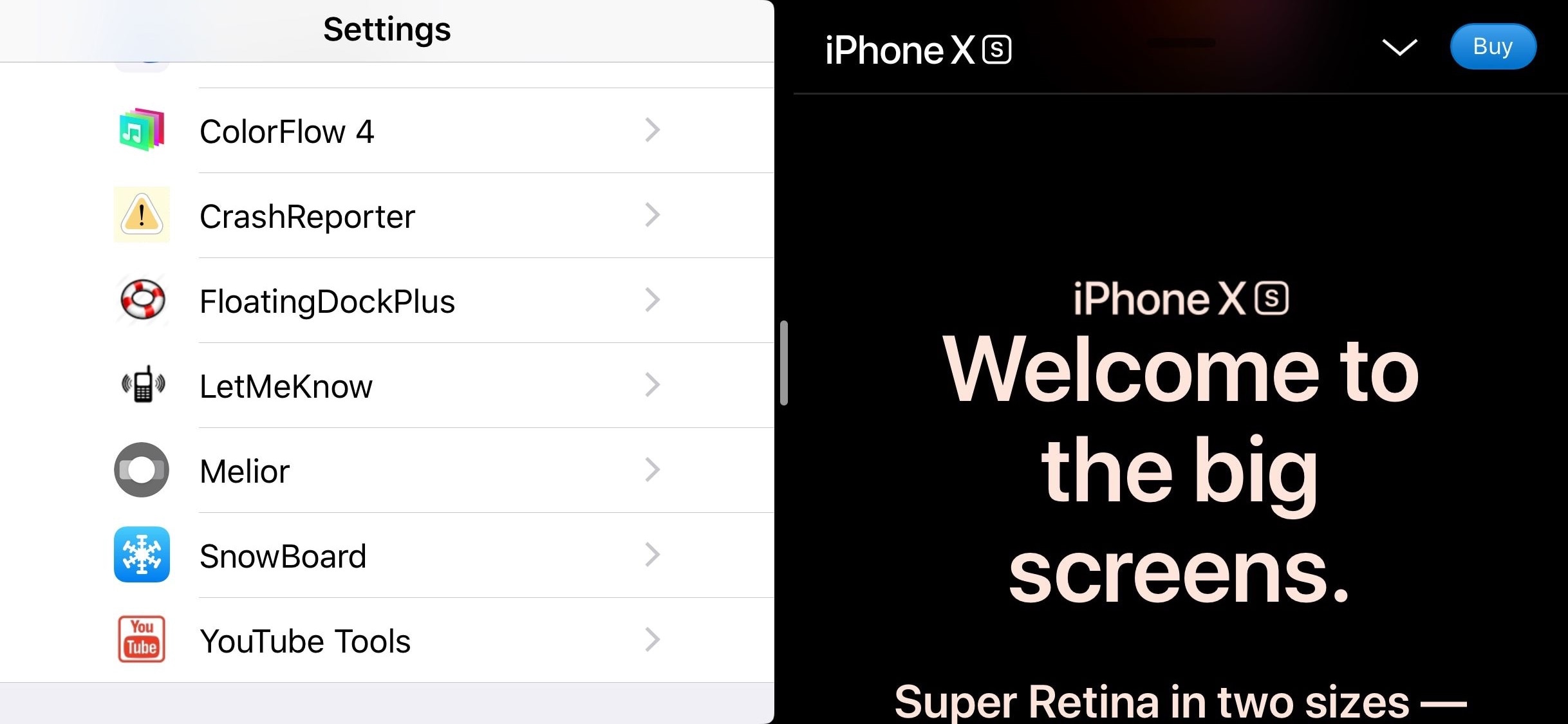
FloatingDockPlus also enables some of the iPad’smultitaskingfeatures on unsupported devices, such as Split-View and Slide Over, which permit you to run apps side-by-side for improved time management and more efficient multi-app usage. Note: side-by-side app usage looks best in landscape mode:
FloatingDockPlus also adds useful gestures to the Dock, enabling you to swipe in certain directions to perform useful actions. Those include:

You can configure these options and much more from the tweak’s preference pane, which is added to the Settings app after installation:
Here, you can:
The developer includes a Respring button at the top right of the preference pane. It’s recommended that you use this button each time you make changes to the preference pane to ensure they take effect.
FloatingDockPlus received most of its inspiration from a previous jailbreak tweak calledFloatingDock, but you’ll notice that FloatingDockPlus provides a lot more options and customization than the latter (hence the “Plus” in the name).
If you’ve always felt like the multitasking experience on the iPhone or iPod touch left a lot to be desired, then you won’t be let down by FloatingDockPlus. The tweak isavailable for $1.49 from Cydia’s Packix repositoryand works with alljailbrokeniOS 11 and iOS 12 devices.
What was your favorite feature mentioned about FloatingDockPlus? Let us know by dropping a comment below.
