Force Deleteis a new freejailbreak tweakin Cydia that lets you utilize your3D Touchdisplay to delete apps from your device.
While the tweak is designed primarily for the purpose of letting you delete the apps you’ve downloaded from theApp Store, the tweak can even hide system apps from your Home screen if you wanted to do that instead.

After installation, you’ll be able to use a 3D Touch gesture on any app on yourHome screento see one of two new menu options.
Deleting App Store apps
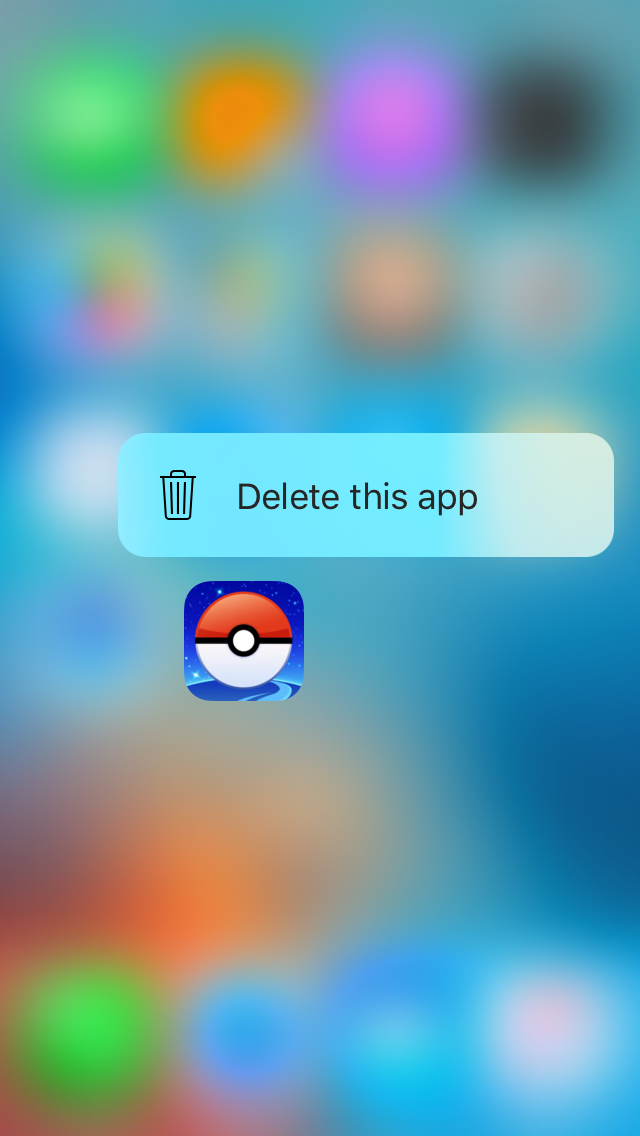
If it’s an App Store app, you’ll see the following “Delete this app” option, which essentially erases the app from your device just like putting the Home screen into ‘jiggle’ mode and tapping the ‘X’ button to delete it would.
Hiding System apps
On the other hand, if you’re using a 3D Touch gesture on a system app, such as an app pre-installed byAppleor manually installed from Cydia, you will see the following “Hide this app” option, which doesn’t actually delete the app, but rather hides it from the Home screen instead:
Configuring Force Delete
ForceDelete adds a preferences pane to theSettingsapp so you can enable or disable the ability to hide system apps.
From here, you can also un-hide apps that you’ve already hidden and you can force a confirmation message to display whenever you attempt to hide system apps so you can prevent yourself from hiding them by accident.
While the tweak is designed for 3D Touch devices, you don’t necessarily need a 3D Touch display to use the tweak. It can be used on alljailbrokeniOS 9 devices so long as you have therevealMenutweak installed alongside it; this tweak simulates 3D Touch gestures when you tap and hold on stuff throughout iOS.
With that being said, anyone can download and try Force Delete on their jailbroken iPhone, as it’s a free download from Cydia’s BigBoss repository today.


