Although there are plenty of great apps already built intoOS X, I use a lot of third-party apps on my Mac to give it more functionality tailored to my needs, as I’m sure many other Mac users do too. In this piece, I’ll be sharing what my five favorite third-party apps to use on my Mac on a daily basis are, and I’ll also share why I love using them.
Please note that some of these apps are available on theMac App Store, but others are only available online from their websites. Also, there are stark price ranges among them. These are the apps I use every day, so I didn’t keep out the ones that may be costly just because of that reason alone.

Five third-party apps I use on my Mac every day
It wouldn’t be a party withoutMacID. This is frankly one of my favorite apps to use on my Mac because it makes unlocking it so much faster. My Mac is always falling asleep on me or auto-locking after a screensaver, and always having to type in my extensively long password to get back in was always such a pain in the you-kn0w-what.
Fortunately for MacID, I can use eitherTouch IDon my iPhone to unlock my Mac, or I can use ‘Tap to Unlock,’ which involves setting up a secure tap gesture sequence using the multi-touch track pad.
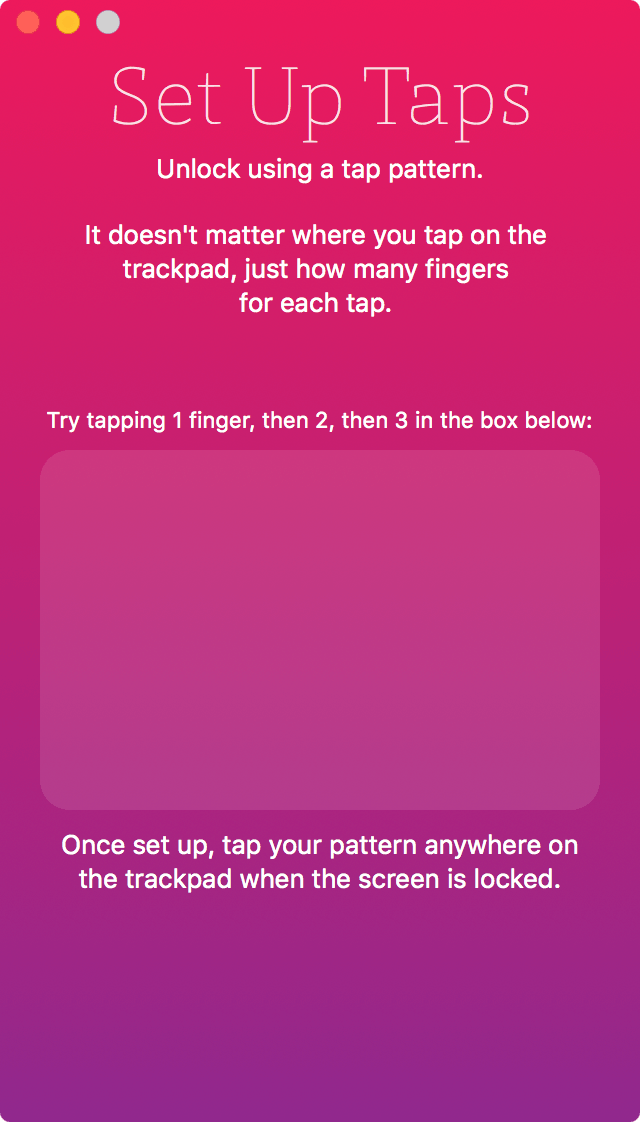
I use MacID every single day because it makes unlocking my Mac so much faster. Using both Touch ID and Tap to Unlock, I’m able to unlock my Mac in less time than it takes to type my password, and that’s if I even type it right the first time…
Using MacID requires both thefree OS X appbe installed on your Mac and the$3.99 iOS appbe installed on your iPhone or iPad, but nevertheless, it’s a great tool and because it uses Bluetooth low energy, it hardly uses any power at all.

2. Microsoft Word
MicrosoftWordseems like a no-brainer for someone like me who writes for blogs, but really, this app has been useful for me all throughout college, as well as throughout my career.
With its powerful word-processing tools, which are frankly state-of-the-art, and dare I say, much more advanced than the features in Apple’s Pages app, I use Microsoft Word on a daily basis to help catch spelling and grammar errors before I publish any of my works.
Granted it’s not a perfect solution to this, and a human editor is still the best solution, it’s a great way for me to quickly check for common errors that may have occurred from typing too quickly or losing my train of thought while typing, and with the busy life I lead, it’s not too rare for that to happen.
Of course, that’s not the only thing I use the app for – of course not! I use it to create documents all the time, such as essays, cover letters, resumes, instructions, and even to write letters to people. All of the formatting options Microsoft Word has to offer are simply unmatched by most of the industry, and I’d say no less for the rest ofMicrosoft Officeas well.
Microsoft Office Home and Student for Mac is available as a$149.00 purchase from Microsoft’s website, and includes Microsoft Word, as well as Microsoft PowerPoint, Microsoft Excel, and Microsoft OneNote. Microsoft’s recurring payment services for Office 365 are also available, but I hate subscription services – I much prefer to pay just one time and keep it forever.
3. Spotify
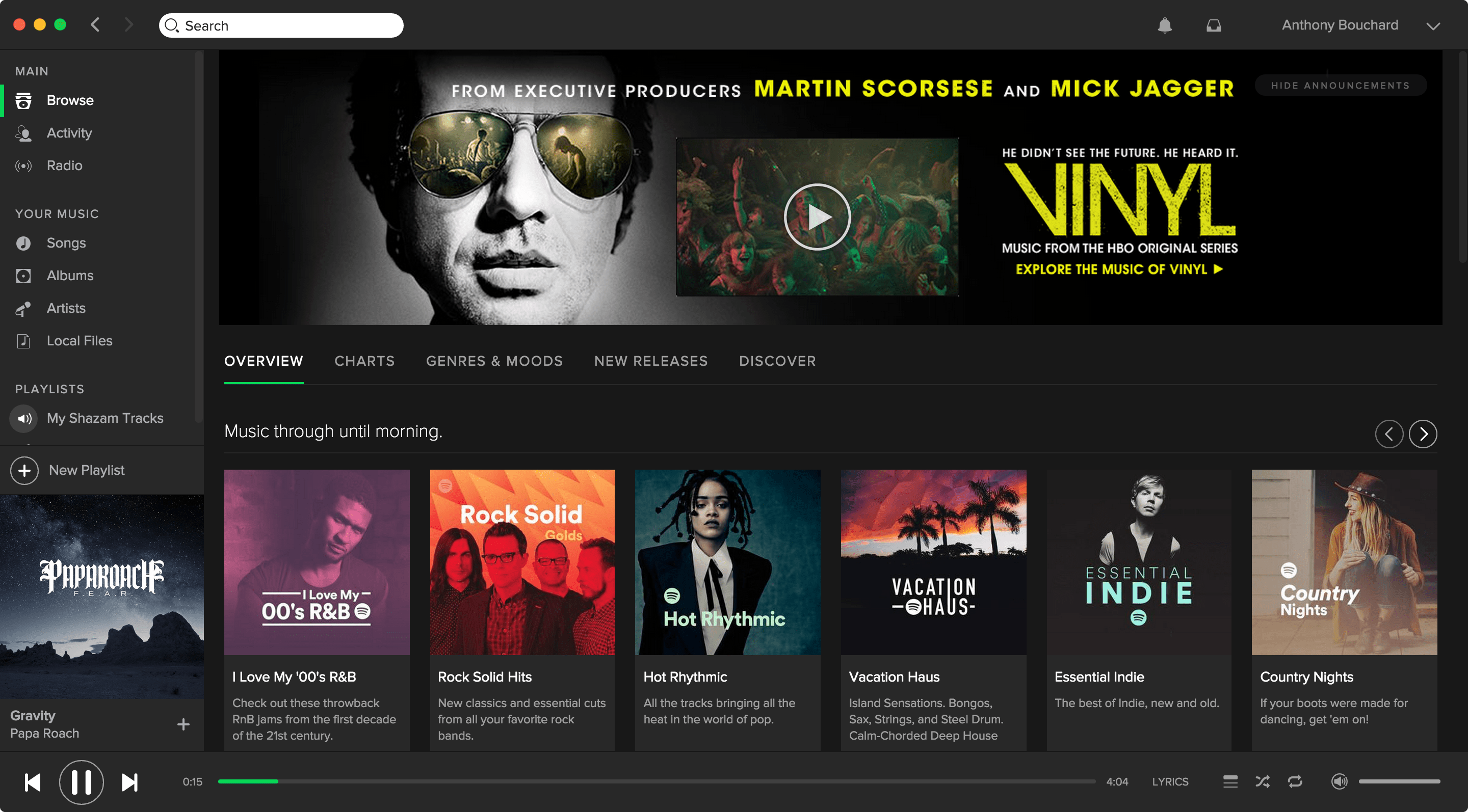
With Spotify, you’re using an app made specifically for music streaming, so from the moment you open the app, you’re ready to delve into content you can stream. Plus, you might say I enjoy paying $4.99 per month after my student discount that I applied for a couple of years ago rather than paying $9.99 per month forApple Music.
Another benefit I see with Spotify are the higher bit-rates that are available. Sure, Spotify might not have the rights to Taylor Swift’s music like Apple Music does, but that’s a small price to pay when most of your favorite music is still there and you’re paying half the price every month to access it.
I use Spotify every day to listen to the songs I have Shazamed throughout the day on my iPhone using theSpotify-Shazam integrationfeature, and I also listen to songs that I’ve added to my offline playlists myself.
Listening to my jam helps me get through a full work day while still remaining sane throughout all the seemingly endless tasks put before me. I also use Spotify whenever I have a party and want to entertain guests to some music.
It’s true what they say – music is the way to your soul, so discover great music and you’ll be happy every day. you’re able to download Spotify forfree from its website.
4. VMware Fusion
Yeah, I know already that there are people out there who think it’s a sin to run Windows on a Mac, but for me, it’s been somewhat of a second nature since I bought my first Mac in 2009.
The reason is simple; Windows has most of the best games, and with DirectX support, I like to occasionally use myBootcamppartition to play games on my MacBook Pro.
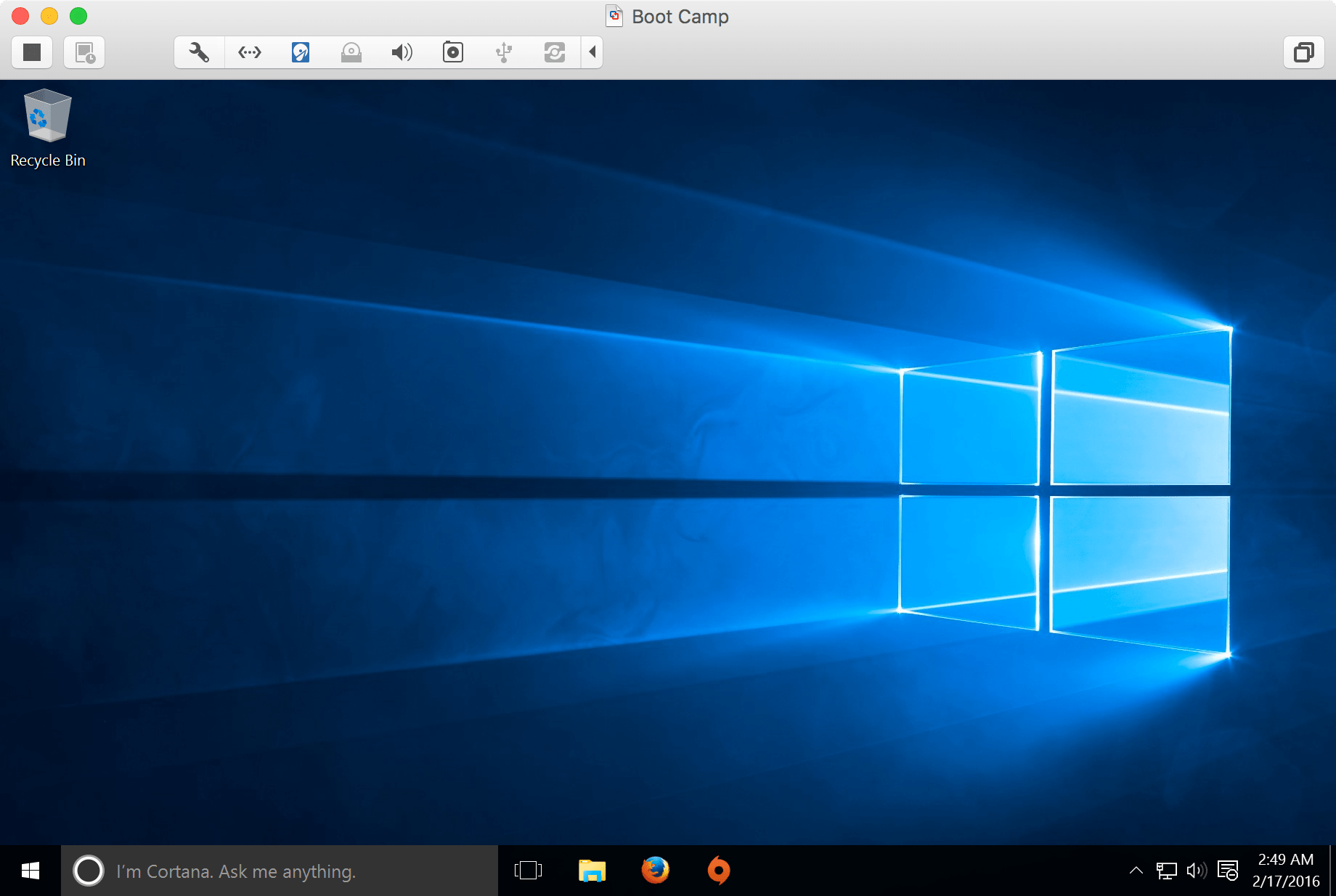
VMware Fusionworks great for accessing the Bootcamp partition directly while I’m still busy on OS X, and allows me to launch the partition as a virtual machine too so that I can perform app updates or open Windows-compatible files in programs from Windows instead of programs in OS X.
With VMware Fusion, I can use the virtual machine to run critical Windows or application updates in the background so my Bootcamp partition is always ready for me when I actually use it. This includes downloading and updating games from Origin, which can take a long time due to sheer download size, and would keep me away from my OS X partition for a long time had virtual machines not been an actual thing.
I use VMware Fusion quite regularly to update all my stuff and use apps that are typically Windows-only, but I rarely game from it because graphics performance just isn’t as good when you’re playing from a virtual machine. I’ll also use VMware Fusion whenever Windows-only jailbreak tools are released for iOS. VMware Fusion can be had for$79.99 from its website.
5. Reeder 3
The fifth app I thought I should tell you about isReeder 3, which I use on a regular basis to take in news about Apple, science, and other interesting topics.
AlthoughGooglemay have shut down their RSS services, many other third-party services are available for free or for a small monthly fee, such as Feedbin. By linking these services to Reeder 3, you’ll get quick access to the latest posts from your favorite news sites, such asiDownloadBlog.
I use this app every single day to see what’s new and help me keep track of things, but I also love to read about what I enjoy, and with the options to quickly launch any article in my default web browser or to share the article with my friends and family using my favorite sharing services, this app is incredibly helpful for my daily news consumption needs.
Reeder 3 can be had from theMac App Store for $9.99.
Other apps
There are also some other third-party apps I use on my machine too that were worth mentioning. Below, I’ll quickly go over five more apps – although less important to me than the five listed above, they’re still awesome additions to any Mac I’ll use, and perhaps even for you too.
Conclusion
I use a variety of types of software on my Mac, but there are only a few I would consider to be important enough for me to use every single day.
What apps do you use on a regular basis on your Mac and why? Share in the comments below.
